
If your Etekcity scale is showing weight in kilograms but you need pounds instead, the fix depends entirely on your model type. Basic Etekcity scales have a physical button to switch units, while smart scales require changing settings in a mobile app. This guide walks you through both methods step by step, so you can get accurate weight readings in pounds within minutes.
By the end of this guide, you will know exactly how to identify your scale model, switch to pounds using the correct method, and troubleshoot common issues like a scale stuck in kilograms.
Identify Your Etekcity Scale Model
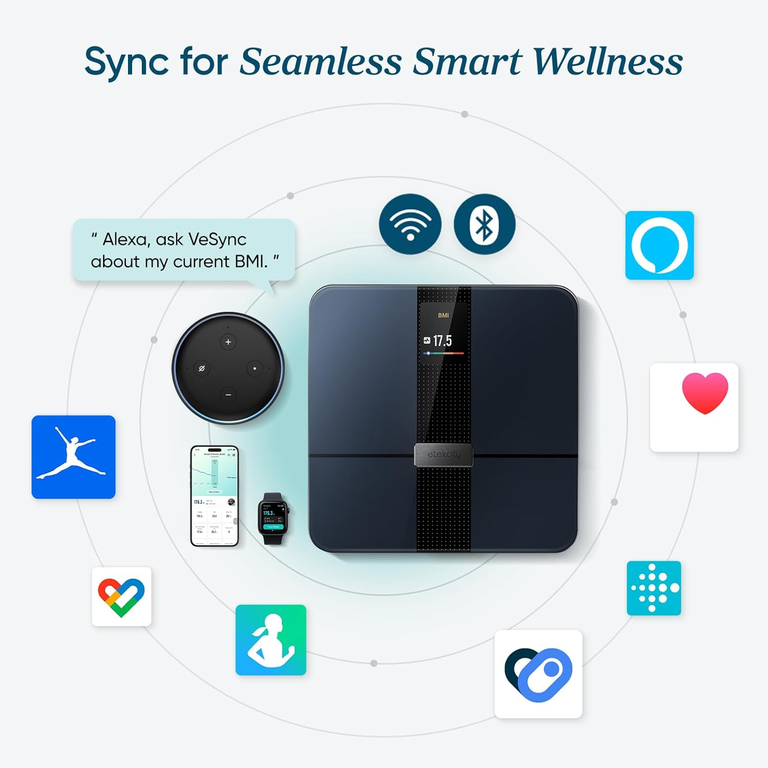
Before changing units, you need to determine whether you have a basic digital scale or a smart scale. The method differs significantly between the two.
Signs You Have a Basic Digital Scale
Basic Etekcity scales do not connect to smartphones and display weight only on their LCD screen. Look for these characteristics.
- Physical unit toggle button on the side or underside edge of the scale
- No Bluetooth pairing or app connection required
- Simple LCD display showing weight and unit abbreviation
- Models like the Etekcity Digital Body Weight Bathroom Scale
Signs You Have a Smart Scale
Smart scales connect to mobile apps and measure body composition metrics beyond just weight.
- Bluetooth pairing with a smartphone app
- Measures body fat, BMI, water percentage, and muscle mass
- Requires stepping on with bare feet to sync data
- Models include ESF24, ESF-551, and HR Smart Fitness Scale
Pro Tip: Turn the scale over and check the bottom label for the model number. ESF24 uses VeSync Fit app, while ESF-551 uses V-Sync app.
Change Units on Basic Etekcity Scales
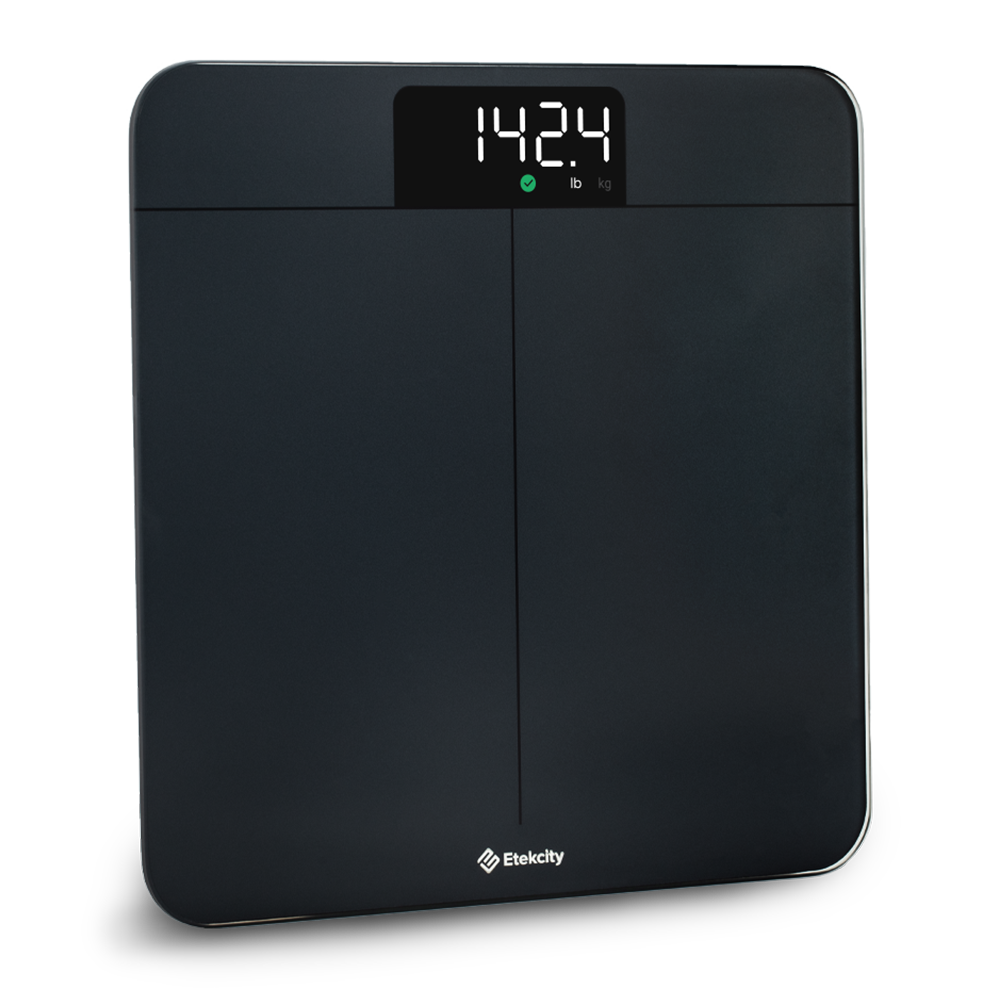
If your scale has a physical button, switching to pounds takes only a few seconds.
Locate and Press the Unit Toggle Button
Find the small button on the side or lower edge of your scale. Press it firmly once. The display will cycle from kilograms to pounds or vice versa.
- Press the button until you feel a slight click
- The screen updates immediately to show the new unit
- Look for “lb” at the end of the weight number
Verify the Setting Is Saved
Your scale remembers your unit choice even after turning off. Once you set it to pounds, the next time you step on the scale it will automatically display weight in pounds.
- No need to reset the unit each time you use the scale
- The setting persists until you manually change it again
- If pounds reverts to kilograms, the button may need cleaning or batteries may be weak
Switch Smart Scales to Pounds Using the Mobile App
Smart Etekcity scales do not have a physical unit button. You must change the unit setting within the companion app.
ESF24: Update Units in VeSync Fit App
Open the VeSync Fit app on your smartphone and navigate to your profile settings to change the measurement unit.
- Launch the VeSync Fit app and tap your profile icon
- Go to Units of Measurement
- Select Pounds (lb) from the options
- Save your changes
- Step on the scale with bare, dry feet to sync the new setting
Important: The scale may briefly show kg during startup, but the final synced value in the app will display in pounds.
ESF-551: Update Units in V-Sync App
The ESF-551 uses the V-Sync app for all settings including unit preferences.
- Download V-Sync from the App Store or Google Play
- Create an account and enable Bluetooth on your phone
- Tap the + icon and select ESF-551 from device list
- Follow on-screen prompts to pair the scale
- Go to Profile Settings and select Measurement Units
- Choose lb (pounds) and save changes
- Step on the scale with dry, bare feet to complete sync
HR Smart Fitness Scale Setup
Most HR-branded Etekcity smart scales work with either V-Sync or VeSync Fit. Try pairing with both apps if you are unsure which one to use.
Troubleshoot Scale Stuck in Kilograms
Even after changing settings, some users find their scale still shows kilograms. Here is how to fix it.
Fix Smart Scale Not Showing Pounds
If your smart scale continues displaying kg after app changes, try these solutions.
- Force close and reopen the app to refresh settings
- Check for app updates in your phone’s app store
- Log out of your account and log back in
- Delete the device from Device Management and re-pair from scratch
- During re-pairing, set units to pounds before stepping on
Fix Basic Scale Button Not Working
A non-responsive button usually means dirt, moisture, or weak batteries.
- Clean around the button with a cotton swab dipped in rubbing alcohol
- Replace old batteries with fresh AAA alkaline batteries
- Press the button firmly and hold for one full second
- Ensure nothing is pressing against the button when the scale is stored
Verify Your Scale Shows Pounds
After making changes, confirm the display now reads in pounds.
Check the LCD Screen
When you step on the scale, look for the unit abbreviation at the end of the number.
- Correct: 165.2 lb
- Incorrect: 75.0 kg
Wait 3-5 seconds: Some models take a moment to stabilize and display the final reading with the correct unit.
Check the App Dashboard
Open your companion app and verify the latest measurement shows weight in pounds. All body composition metrics will also reflect the selected unit system.
Optimize Scale Performance for Accurate Readings
For consistent, accurate weight readings in pounds, follow these best practices.
Use the Right Surface
Place your scale on a hard, flat surface for accurate measurements.
- Tile, wood, or laminate floors work best
- Avoid carpets thicker than 10 mm
- Ensure the surface is level and stable
Step On Correctly
Smart scales use bioelectrical impedance technology to measure body composition.
- Step on with bare, dry feet for best accuracy
- Moisture improves conductivity for body fat readings
- Remove socks or slippers, which can interfere with measurements
Warning: If you have a pacemaker or implanted medical device, enable Zero Current Mode in the app to disable the electrical current.
Maintain Your Pound Setting Long Term
Keep your scale reliably set to pounds with these simple maintenance tips.
Prevent Accidental Button Presses
- Store the scale away from walls where buttons might get pressed
- Do not stack items on top of the scale
- Consider placing the scale face down when not in use
Keep Apps Updated
- Update VeSync Fit or V-Sync regularly
- Check for firmware updates through the app
- Older versions may not save unit preferences properly
Register Your Warranty
Etekcity offers a 2-year limited warranty upon online registration. Visit etekcity.com or contact Amazon seller support for help with persistent issues.
Frequently Asked Questions About Changing Etekcity Scale to Pounds
How do I know if my Etekcity scale is a basic or smart model?
Check for a physical unit button on the side or underside. If there is no button and the scale requires Bluetooth pairing with an app, it is a smart model. Smart scales also measure body composition metrics like fat and water percentage.
Why does my smart scale still show kg after changing the app settings?
The scale may briefly display kg during startup even when set to pounds in the app. The final synced measurement in the app should reflect pounds. If it does not, try deleting and re-pairing the device with the app.
Can I change my Etekcity scale back to kilograms later?
Yes. For basic scales, simply press the unit toggle button again. For smart scales, return to the app settings and select kg instead of pounds.
What if my basic scale button does not work after cleaning?
Replace the batteries with fresh AAA alkaline batteries. Weak power can prevent the button from responding. If it still does not work, contact Etekcity support for warranty service.
Do I need to change units separately for each user profile?
Yes, if using a smart scale with multiple profiles. Each user profile can have its own preferred unit setting. Create individual profiles in the app to track multiple people with their own preferred units.
Key Takeaways for Setting Etekcity Scale to Pounds
Switching your Etekcity scale to pounds is straightforward once you identify your model type. Basic scales use a physical toggle button on the side, while smart scales require changing the unit in the VeSync Fit or V-Sync app. For basic models, the setting is retained in memory automatically. For smart models, ensure you sync the scale after changing app settings to apply the new unit preference.
If your scale gets stuck in kilograms, try cleaning the button, replacing batteries, or re-pairing the smart scale with the app. Always use your scale on a hard, flat surface and step on with bare, dry feet for the most accurate readings. With the correct setup, your Etekcity scale will consistently display weight in pounds, giving you reliable tracking every time you step on.



